How to Transfer Car Ownership in Kenya via NTSA eCitizen
Step-by-step guide to transferring vehicle ownership through NTSA's eCitizen portal. Learn fees, documents needed, and how to avoid common delays.
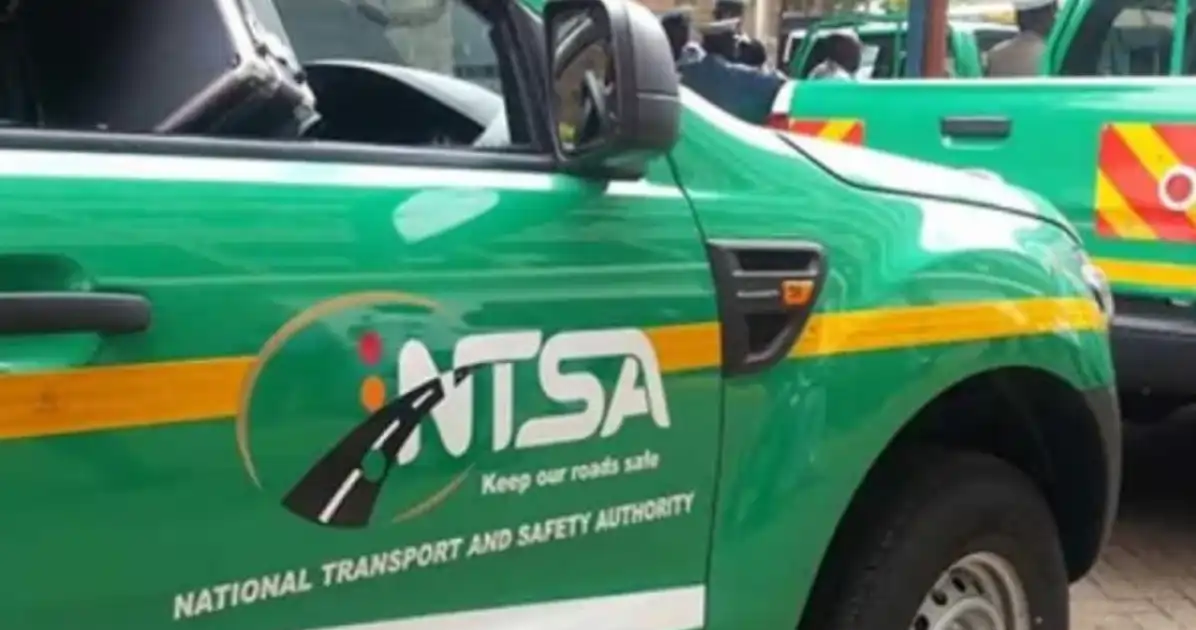
Understanding Car Ownership Transfer in Kenya
Transferring vehicle ownership in Kenya is now streamlined through the National Transport and Safety Authority (NTSA) via the eCitizen platform at ecitizen.go.ke. This digital process replaces manual visits to NTSA offices, though you'll still need to complete physical inspections. Whether you're buying a second-hand car from a private seller or receiving one as a gift, understanding the correct procedure saves time and prevents legal ownership disputes.
Pre-Transfer Requirements and Documents
Before initiating any transfer on eCitizen, gather these essential documents:
- Original logbook (V5 form) signed by the current owner
- Original or certified copy of your national ID (both sides)
- Seller's national ID copy
- Proof of payment of transfer fees (you'll get this after online application)
- Vehicle inspection report (obtained after NTSA physical inspection)
- KRA tax compliance certificate (iTax clearance)
- Insurance certificate valid for the transfer date
Ensure all documents are clear and legible. NTSA staff reject applications with faded or incomplete photocopies, causing frustrating delays.
Step-by-Step eCitizen Process
Step 1: Create or Log In to eCitizen Account
Visit ecitizen.go.ke and register if you don't have an account. Use your email and create a strong password. Verify your email before proceeding.
Step 2: Search for NTSA Vehicle Transfer Service
On the eCitizen dashboard, search 'NTSA vehicle ownership transfer' or navigate to the transport services section. Select the appropriate option for your vehicle type (private car, commercial, motorcycle).
Step 3: Fill Application Form
Enter accurate details: current registration number, chassis number, engine number, vehicle make and model. Any mismatch with your logbook will cause rejection. Double-check before submitting.
Step 4: Upload Required Documents
Scan and upload copies of your ID, seller's ID, insurance certificate, and logbook cover page. File sizes must be under 5MB per document. Use PDF or JPG formats only.
Step 5: Pay Transfer Fees
After form verification, you'll receive payment instructions. NTSA accepts M-Pesa and bank transfers. Check the official NTSA website (ntsa.go.ke) for current 2026 transfer fees, as these adjust periodically. Retain your payment receipt—you'll need it for the physical inspection appointment.
The Physical Inspection Step
eCitizen submission doesn't complete the transfer. After online approval, NTSA schedules a vehicle inspection at designated inspection centres countrywide. Bring the vehicle, your payment receipt, and original documents. Inspectors verify chassis and engine numbers match the logbook.
Getting Expert Help
The process involves multiple agencies and tight deadlines. If you're unfamiliar with Kenyan vehicle regulations or need guidance, NTSA experts on Kaziiko can guide you through each step. Alternatively, find a verified Kenyan expert on Kaziiko specializing in motor vehicle transfers to ensure your application succeeds on first submission.
Common Pitfalls to Avoid
- Submitting without KRA tax compliance—many applications stall here
- Mismatched vehicle details between eCitizen form and logbook
- Missing seller signatures on the logbook
- Uploading documents after the deadline set in your approval letter
Complete transfers typically take 2–4 weeks from first eCitizen submission to final ownership registration, depending on inspection centre backlogs. Stay responsive to NTSA communications and keep your phone number updated in eCitizen.
Find an Expert on Kaziiko
