How to Register on eCitizen Kenya: Complete Beginner Guide
eCitizen is Kenya's official portal for over 100 government services — from passports to business registration. Learn how to create your account in minutes.
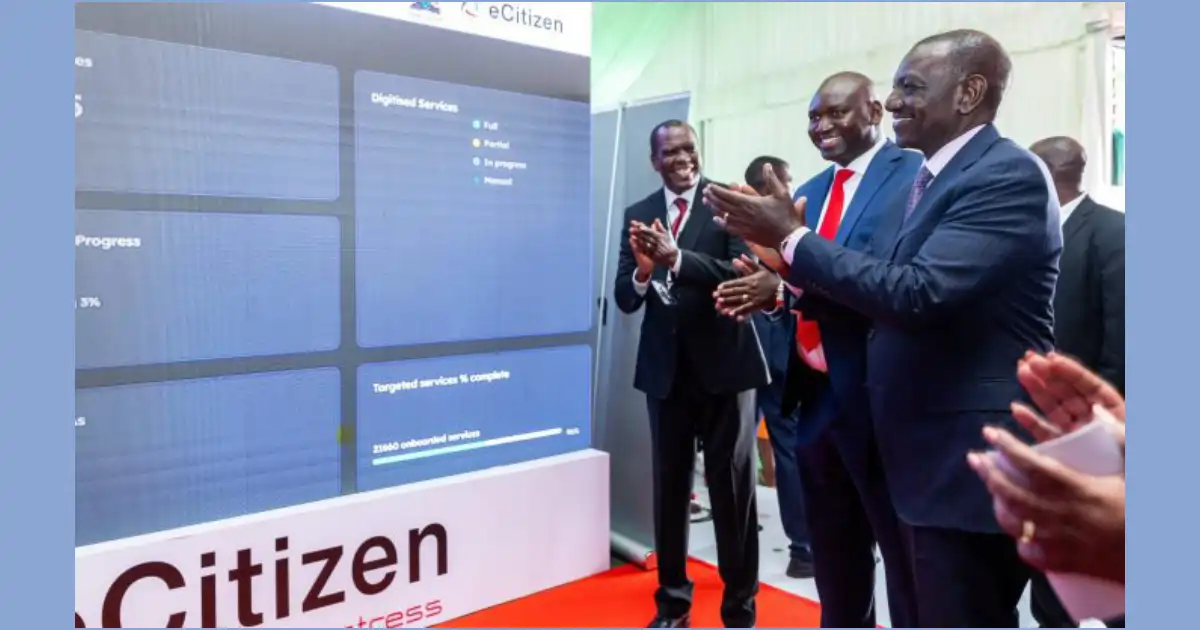
What Is eCitizen Kenya?
eCitizen is the official Kenyan government services portal at ecitizen.go.ke. It lets you access over 100 government services from your phone or computer — no queuing at government offices. Services include passport applications, driving licence renewals, business registration, land searches, and much more.
Services Available on eCitizen
- Immigration: Passports, work permits, alien cards
- NTSA: Driving licences, vehicle inspection, logbook transfers
- Civil Registration: Birth, death, and marriage certificates
- Business Registration: Business names and company registration
- Kenya Police: Certificate of good conduct
- HELB: Student loan applications and clearance letters
What You Need to Register
- National ID card (for Kenyans aged 18 and above)
- An active phone number and email address
- A smartphone or computer with internet access
How to Register on eCitizen
Step 1: Visit the Portal
Open your browser and go to ecitizen.go.ke. Click Register on the homepage.
Step 2: Enter Your National ID
Type your National ID number. The system will auto-fill your name from the government database. Verify the name is correct before continuing.
Step 3: Create Your Login Details
Enter your phone number and email address. Create a strong password of at least 8 characters. You will use these every time you log in.
Step 4: Verify Your Phone Number
eCitizen sends an OTP (one-time password) via SMS to your phone. Enter the OTP to activate your account.
Step 5: Start Using Services
Log in and browse available services. Select a service, fill in the required details, and pay via M-Pesa when prompted.
How Payments Work on eCitizen
All payments are made via M-Pesa. After submitting your application, eCitizen sends an M-Pesa prompt to your phone. Approve the payment and your application proceeds. Always keep the receipt number for tracking.
Common Problems
- ID not found: Use your current ID number. If the problem continues, visit a Huduma Centre to verify your details.
- OTP not received: Ensure you have network coverage and request again after 2 minutes.
- Payment not reflecting: Wait 5–10 minutes, then contact eCitizen support at 020 2686 800.
Need Help With an Application?
Some services — like passport applications or good conduct certificates — require specific documents and steps. A verified government service expert on eCitizen experts on Kaziiko can guide you through the full process and save you unnecessary trips to government offices.
Get Expert Help on Kaziiko
Government services in Kenya can involve long queues and confusing requirements. Verified eCitizen experts on Kaziiko handle the entire process for you — remotely, in hours.
- Government & eCitizen Experts on Kaziiko — passports, IDs, certificates, and more.
- NTSA & Driving Experts — logbooks, licences, and vehicle transfers.
- KRA & Tax Experts — KRA PIN, VAT, iTax filing.
- Browse all verified Kenyan experts on Kaziiko — starting from KES 500.
Find an Expert on Kaziiko
