Best Apps for Tracking Business Expenses in Kenya
Managing business expenses manually wastes time and invites errors. We've tested the apps Kenyan entrepreneurs actually use to stay on top of their finances.
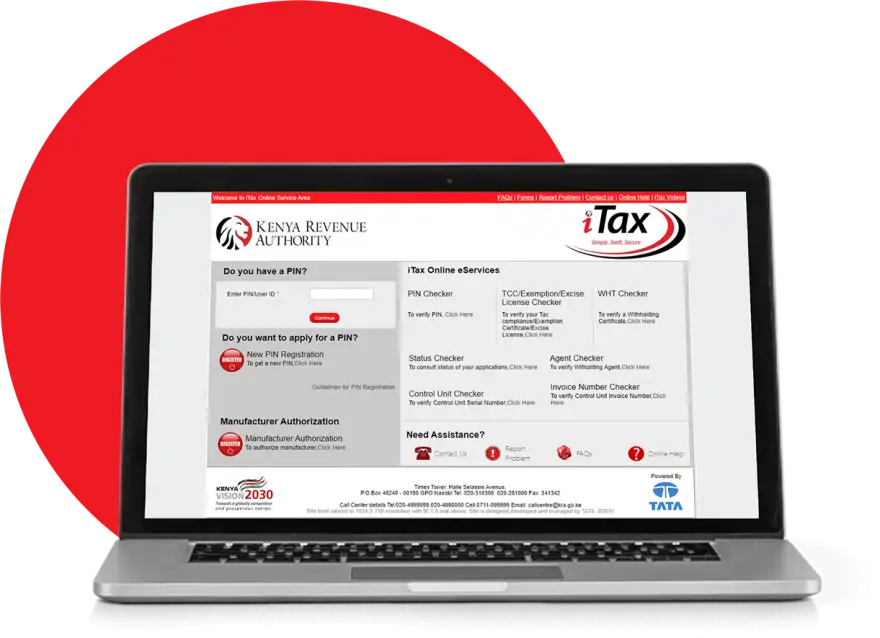
Most Kenyan business owners still track expenses in notebooks or Excel spreadsheets. It works until it doesn't—receipts disappear, numbers don't match, and tax season becomes a nightmare. The better solution is simpler than you think: a dedicated expense tracking app that syncs with your phone, automates categorization, and prepares your records for the KRA.
The apps below are used by real businesses in Kenya, from small traders to mid-sized firms. They handle M-Pesa payments, accept Kenyan receipts, and integrate with local accounting practices.
Wave: Free and Built for Freelancers
Wave remains the most popular choice for Kenyan freelancers and small business owners. The app is genuinely free—no hidden fees, no premium tier required for basic tracking. You record expenses by taking photos of receipts, Wave's OCR reads the amounts automatically, and the app sorts them by category.
The strength is simplicity. Upload a receipt photo, Wave extracts the vendor name and amount, you confirm and move on. After a month, you have a complete expense report ready for your accountant or for KRA filing. Wave also generates profit-and-loss statements, which helps when you need to show financial performance to banks or investors.
The limitation: Wave doesn't sync directly with M-Pesa or your bank statements. You'll still manually enter mobile money transactions, though the process takes seconds per entry.
Zoho Books: For Growing Teams
If your business has grown beyond solo operation, Zoho Books handles multiple users, invoicing, and inventory in one platform. It costs between KSh 2,000 and KSh 5,000 monthly depending on your plan, but it replaces several other tools you might already be paying for.
Zoho Books accepts receipt uploads, tracks mileage for vehicle expenses, and categorizes spending automatically using rules you set. The app syncs with your Kenyan bank account if you use Equity, KCB, or other major lenders—transactions import automatically, which saves real time. For teams managing client projects, you can assign expenses to specific jobs or clients, which is essential for service-based businesses.
A freelancer or very small business probably won't need this. But if you're managing payroll, multiple projects, or client billing, Zoho Books earns its fee.
Receipt Bank: Automate the Boring Work
Receipt Bank is built around one idea: you should never manually type in receipt details. Snap a photo, email the receipt, or forward SMS confirmations—the app captures everything and sorts it into your accounting software.
For Kenyan users, the app works well with M-Pesa receipts via SMS forwarding. You forward your Safaricom M-Pesa confirmation SMS to Receipt Bank's address, and the app logs the transaction. This alone saves significant time if your business makes frequent mobile money payments.
Receipt Bank integrates with Wave, Zoho, and other platforms, so your expenses sync automatically to your main accounting system. The cost is around KSh 1,500 monthly, but only if you process more than 50 receipts per month. Light users get a free tier.
Simple Alternatives for Tight Budgets
If you truly cannot commit to an app subscription, Google Sheets remains viable for basic tracking. Create columns for date, vendor, category, and amount. Share it with your accountants on Kaziiko for review. It's not elegant, but it works and costs nothing.
For something slightly more structured, Expensify offers a limited free plan. It scans receipts accurately and groups them by category, though the free version doesn't include integrations with Kenyan banks.
What to Choose
Start with Wave if you're solo and want zero cost. Move to Zoho Books or Receipt Bank once your business handles enough transactions that manual entry becomes a bottleneck. Both are trusted by Kenyan accountants and work smoothly with KRA filings.
Whatever app you choose, consistency matters more than perfection. An expense tracked today beats one you try to reconstruct from memory in six months. Find a verified Kenyan expert on Kaziiko if you need help setting up your chosen platform or integrating it with your existing accounting system.
Frequently Asked Questions
Do these apps work with M-Pesa?
Wave and Receipt Bank both accept M-Pesa receipts. Wave requires manual entry of M-Pesa transactions, while Receipt Bank can capture SMS confirmations automatically. Zoho Books doesn't natively sync M-Pesa, but you can manually log transactions in seconds.
Are expense tracking apps safe in Kenya?
Wave, Zoho, and Receipt Bank all use encryption and are trusted by accountants worldwide, including Kenya. Your data is backed up on their servers, not at risk if your phone is lost. Ensure you use a strong password and enable two-factor authentication where available.
Can I use these apps to prepare for KRA tax returns?
Yes. All three apps generate reports that show your income, expenses, and profit. Export these to PDF and share with your accountant, who uses them to file your returns via itax.kra.go.ke. The apps don't file directly, but they organize your data correctly.
Which app is cheapest for a startup?
Wave is free and adequate for most startups. If you need invoicing and multiple user access immediately, Zoho Books' basic plan at KSh 2,000 monthly is reasonable. Receipt Bank adds cost only if you process high receipt volume regularly.
Find an Expert on Kaziiko
