How to Register for SHA (Social Health Authority) on eCitizen as Self-Employed
Self-employed Kenyans can now register for SHA directly through eCitizen. Here's exactly what you need to know to complete the process without delays.
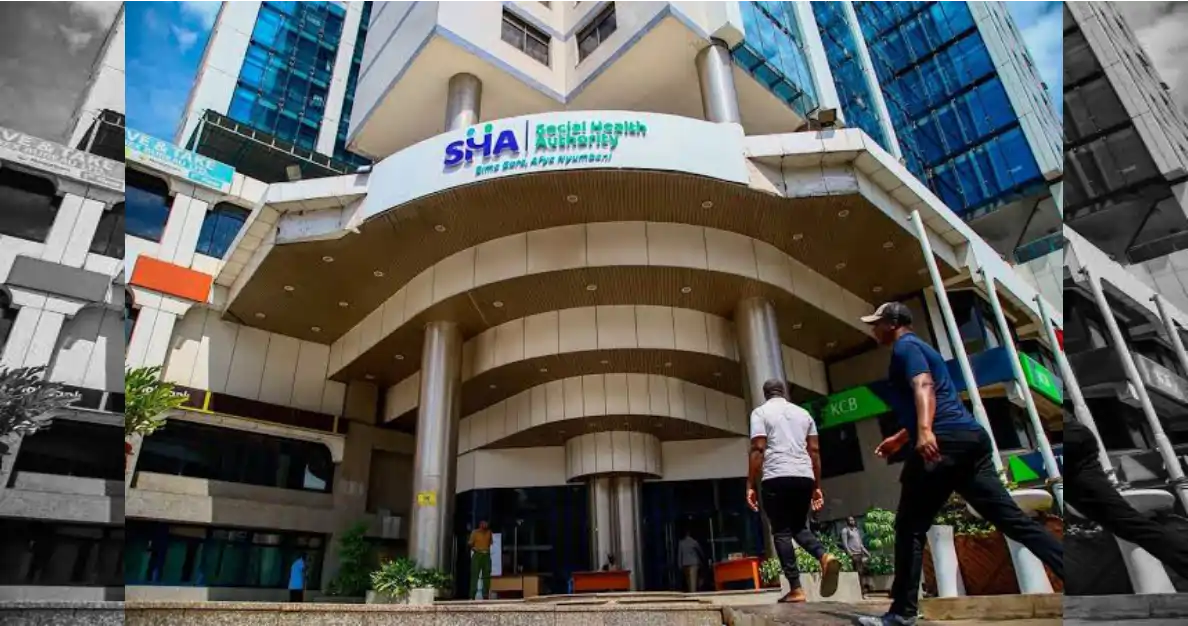
If you're self-employed in Kenya, registering for the Social Health Authority (SHA) through eCitizen is straightforward once you know the steps. The process takes between 15 to 30 minutes, though portal delays occasionally push this longer. You'll need your national ID number, a valid mobile phone, and M-Pesa access to complete registration and pay the enrollment fee.
Self-employed individuals — freelancers, traders, artisans, and business owners — fall into SHA's category of contributors who pay monthly premiums rather than relying on employer deductions. Unlike formal employees whose contributions come through payroll, you'll manage your payments directly.
What You Need Before Starting
Gather these items before opening eCitizen:
- Valid Kenyan national ID or passport number
- Active mobile phone number (the one linked to your M-Pesa account works best)
- Email address (create one if you don't have it)
- KSh 300 to 500 for your initial monthly premium, depending on the coverage tier you choose
You don't need a business registration certificate or tax compliance certificate to start SHA registration, though you may need your KRA PIN if prompted. If you're already registered with KRA for tax purposes, have that number handy — it speeds things up.
Step-by-Step Registration on eCitizen
1. Go to ecitizen.go.ke and log in. If you don't have an account, create one using your email and a strong password. Confirmation takes minutes. eCitizen experts on Kaziiko can walk you through account setup if you get stuck.
2. Search for "SHA" or "Social Health Authority" in the services menu. The portal's search function is reliable, but you can also navigate through "Health" category if you prefer browsing.
3. Select "Self-Employed" as your registration category. This is crucial — choosing the wrong category delays processing. The portal will ask if you're employed, self-employed, or a dependent. Choose self-employed.
4. Enter your personal details.** Provide your full name as it appears on your national ID, your ID number, date of birth, and mobile phone number. Double-check these — errors create problems during payment processing.
5. Confirm your residential address and county.** SHA uses this for record-keeping and local service coordination. Make sure it's current.
6. Choose your coverage tier.** SHA offers different premium levels. Self-employed contributors typically choose between basic and standard coverage. The portal displays exact monthly costs for each option. Many self-employed Kenyans start with basic coverage, then upgrade later.
7. Review your details and submit. The portal generates a summary page. Read through it carefully before clicking submit.
8. Pay using M-Pesa. After submission, you'll receive an M-Pesa prompt or a payment code. Use your registered number to complete the transaction. The fee is immediate — your registration activates within 24 hours in most cases, though the portal sometimes takes 2-3 business days.
Keep your registration confirmation email. You'll need it if you contact SHA support or update your details later.
Common Delays and Fixes
The eCitizen portal occasionally times out during peak hours (8am to 11am weekdays). If this happens, simply log back in — your partial application saves automatically. Mobile network issues can also interrupt M-Pesa payment, so use a strong signal or WiFi.
If your payment doesn't reflect after 24 hours, check your M-Pesa statement. If funds were deducted but SHA didn't process it, contact SHA registration experts through Kaziiko for guidance. Keep your M-Pesa receipt as proof.
After registration, you can manage your SHA account, update beneficiaries, and track payments through eCitizen. Monthly reminders usually arrive via SMS. Set up auto-payment through M-Pesa if your provider offers it — this prevents accidental lapses.
Frequently Asked Questions
Can I register for SHA if I don't have a KRA PIN?
Yes. Self-employed registration doesn't require a KRA PIN upfront, though you may be asked for one during verification. If you haven't registered with KRA, consider doing so afterward — it's separate from SHA and protects your business legally.
What happens if my SHA payment fails on M-Pesa?
Your coverage doesn't activate until payment clears. Check your M-Pesa balance and try again. If the portal shows your payment was submitted but M-Pesa shows a failure, wait 24 hours for reconciliation, then contact SHA support through eCitizen or your mobile provider.
Can I change my coverage tier after registration?
Yes. Log into your eCitizen account and access your SHA profile. You can upgrade or downgrade your tier — changes take effect the following month. Ensure your M-Pesa account has sufficient balance to cover the new premium.
Do I need to renew my SHA registration yearly?
No. SHA registration is continuous as long as you pay your monthly premiums. If you miss a payment, your coverage pauses, but you don't need to re-register — simply pay the outstanding amount to restore coverage.
Find an Expert on Kaziiko
