How to Check Your eCitizen Application Status Online in Kenya
The eCitizen portal lets you track government service applications from your phone or computer. Here's exactly how to check your status without visiting an office.
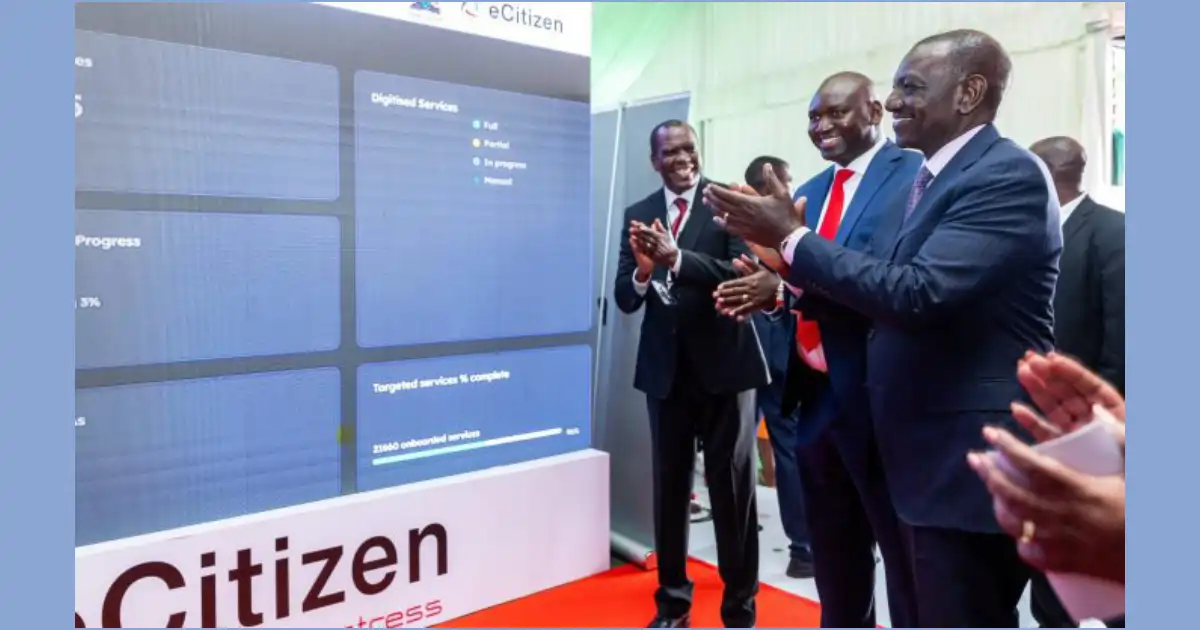
The eCitizen portal is where most Kenyans apply for government services—from national IDs to business permits to land documents. Once you've submitted an application, checking your eCitizen application status online saves you time and removes the guesswork about whether your paperwork is stuck somewhere.
You don't need to visit a government office or call anyone. The status update system works 24/7, and it's free.
Accessing the eCitizen Portal
Open your browser and go to ecitizen.go.ke. The site works on both desktop and mobile, though the mobile version can be slow during peak hours (mornings between 8 AM and 10 AM are usually busiest).
You'll see a login section on the homepage. If you don't have an eCitizen account yet, you'll need to register first using your email and a password you choose. Registration takes about three minutes.
Finding Your Application Status
After logging in, look for the dashboard or "My Applications" section. This is where all your submitted forms live. The portal displays applications in a list format, showing the service type, submission date, and current status.
Click on the specific application you want to check. The status will show as one of these:
- Submitted — Your application was received but hasn't been reviewed yet
- Under Review — A government office is currently processing it
- Approved — Your application passed and you can proceed to payment or collection
- Rejected — You'll see the reason why; you can usually reapply
- Ready for Collection — Your document is finished and waiting for pickup
Some applications get stuck at the "Under Review" stage for weeks. This isn't unusual—government processing times vary wildly depending on the service type. A national ID can take two weeks; a business permit might take a month or longer if the local authority is backed up.
What to Do if Your Status Hasn't Changed
If your application shows "Submitted" for more than two weeks without moving to "Under Review," something may have gone wrong. Check your registered email for any messages from the government office handling your request. They sometimes ask for additional documents via email.
If you haven't received any communication, you have two options. First, contact eCitizen experts on Kaziiko who can help troubleshoot common issues and guide you through resubmission if needed. Second, visit the relevant government office in person with your application reference number—you can print this from your eCitizen dashboard.
Keep your application reference number handy. You'll need it if you contact support or visit an office. The portal generates this automatically when you submit.
If you're applying for multiple services, bookmark your eCitizen dashboard. Checking status takes seconds once you're logged in, and you can monitor everything from one place instead of dealing with different government departments separately.
Frequently Asked Questions
How long does it usually take to get an eCitizen application approved?
Processing times vary by service. National IDs typically take 2-3 weeks, passports 4-6 weeks, and business permits 2-8 weeks depending on local authority workload. Check the specific service page on ecitizen.go.ke for estimated timelines.
Can I track my application on my phone?
Yes. The eCitizen portal works on mobile browsers, though the app version hasn't been updated recently and can be unreliable. Use the website through your phone's browser instead for the fastest experience.
What if my application shows "Rejected"? Can I reapply?
Yes, you can reapply immediately. The portal shows the rejection reason—read it carefully to fix any errors in your next submission. Common rejection causes are missing documents, incorrect information, or photos that don't meet specifications.
Do I need to pay for status checks on eCitizen?
No. Checking your application status is completely free. You only pay when you're asked to proceed with payment for the actual service (like national ID fees or permit costs).
Find an Expert on Kaziiko
